Build Bridge to Eggs Controls and HUD
Move, chop, build, carry eggs, and open every key menu without wasting your first hour.
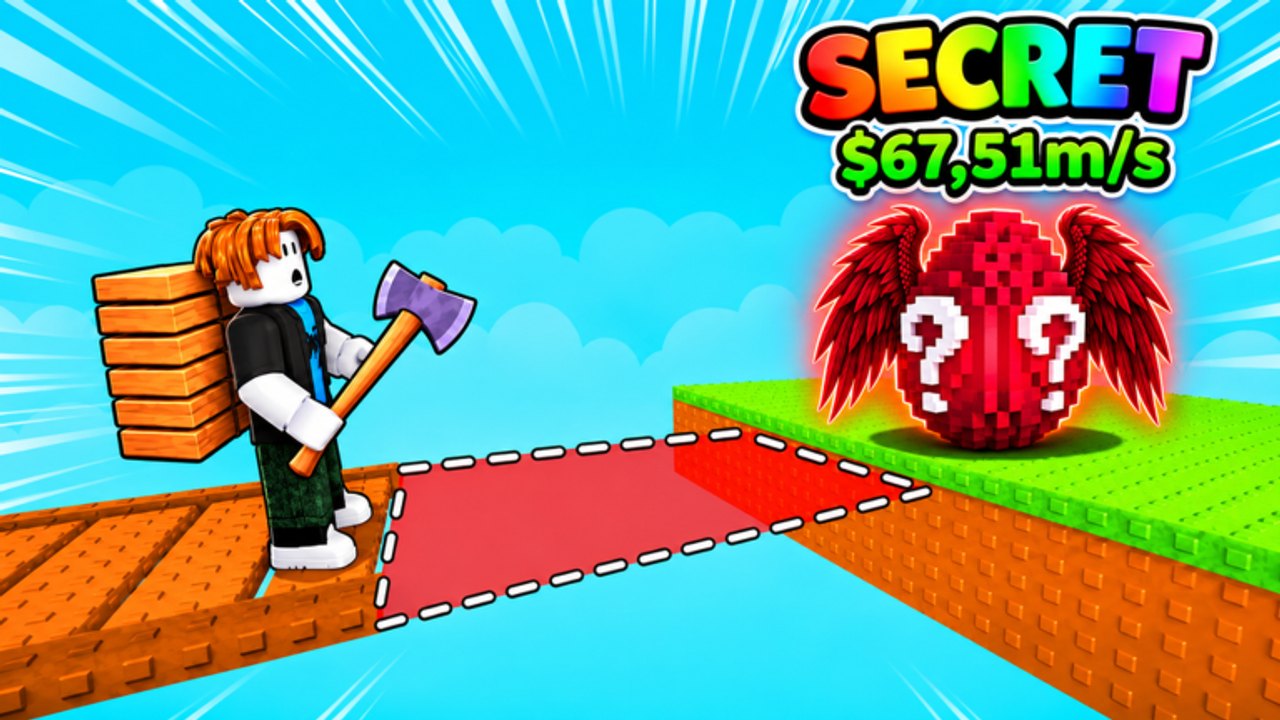
Build Bridge to Eggs uses standard Roblox movement plus experience-specific prompts for chopping trees, placing bridge tiles, picking up eggs, hatching on your plot, upgrading your axe, and opening rebirth or rewards panels. Servers hold up to five players in online co-op under the and Find Rare Pets group. This Controls guide maps the inputs and HUD so you spend time progressing instead of hunting buttons.
Pair this page with Getting Started for the day-one loop, Chop Wood for axe pacing, and Build Bridges for tile discipline. Claim free like and group rewards on the Codes Hub before you optimize hotkeys.
PC controls (keyboard and mouse)
| Action | Typical input |
|---|---|
| Move | WASD or arrow keys |
| Camera | Right-mouse drag or trackpad |
| Jump | Space |
| Interact / chop / pick up | Click or the on-screen ProximityPrompt (often E) |
| Place bridge tiles | Click the bridge build control or prompted build button when you have wood |
| Open menus | On-screen HUD buttons (Shop, Pets, Rebirth, Rewards, Settings) |
Exact prompt labels can shift after patches—confirm the live HUD after the November 2026 update window noted on the Updates Hub. If a prompt does not appear, walk closer to the tree, egg, or tile ghost until the interaction highlights.
Mobile and touch controls
On phones and tablets:
- Use the virtual joystick to walk toward trees, bridges, and egg nests.
- Tap the interact button when it appears near a choppable tree or carryable egg.
- Tap HUD icons along the edges for shop, pets, rebirth, and rewards.
- Pinch or drag to adjust the camera before a long bridge run so you can see guards early.
Mobile players should keep thumbs free before a steal attempt—see Steal Eggs for timing. If UI scale feels cramped, lower graphics slightly so prompts stay readable.
Core interaction loop
- Chop — stand next to a tree, trigger the axe swing, fill wood capacity.
- Build — spend wood on bridge tiles toward egg zones; gaps drop you back.
- Carry — pick up an egg and walk it to your plot without dropping it into voids.
- Hatch — place and hatch on your plot so animals generate idle cash.
- Upgrade — open the shop for axe power, wood capacity, and plot helpers (Upgrades).
- Rebirth — open the rebirth panel only when your income engine is ready (Rebirth).
HUD map (what to look for)
Expect buttons or panels for:
- Wood / cash counters — confirm capacity before another chop trip.
- Shop / upgrades — axe tiers and storage.
- Pets / animals / index — equip best income pets after hatching.
- Rebirth — permanent multipliers; do not mash it on minute one.
- Rewards / codes — social freebies and future promo redemption.
- Settings — sometimes hosts redeem or quality options.
If you cannot find Codes, check Rewards or the left/top strip after claiming the like and group freebie documented under Free Rewards.
Co-op control tips on five-player servers
Shared bridges mean other avatars can block camera angles. Zoom out before placing tiles, and avoid standing on the only path while AFK. Call egg targets in party chat so two players do not collide on the same guarded nest.
Practice drills (five minutes)
- Chop until capacity is full without opening the shop.
- Place ten clean tiles in a straight line.
- Carry a safe egg home without sprinting into a guard.
- Hatch, equip the best pet, then buy the cheapest axe upgrade that increases chop speed.
- Open every HUD panel once so your fingers know the layout.
Video on this page
The embedded gameplay video shows the live HUD and movement feel. Watch for where prompts appear, then repeat the drills above on your own account.
Related guides
- Zones and Egg Map — where bridges should point
- Egg Rarities — which nests deserve risk
- Tips and Tricks — efficiency habits after controls feel natural
- Players Hub — roster goals once menus are familiar
Master the controls first. Fancy steal routes and rebirth timing only work when chop, build, and hatch prompts are muscle memory.
Frequently Asked Questions
Quick answers about wood, bridges, eggs, animals, and rebirth.
What key picks up eggs in Build Bridge to Eggs?
Use the on-screen ProximityPrompt—often E on PC—or tap the interact button on mobile when you are close enough to the egg.
Where is the codes button?
Look for Rewards, Codes, or a similar HUD entry. Claim like and group free rewards first; see Free Rewards and the Codes Hub.
Do controls differ on mobile?
Movement uses a virtual joystick and taps replace clicks, but the same chop, build, carry, hatch, and upgrade loop applies.
Why do prompts not appear?
Move closer to the tree, tile ghost, or egg until the interaction highlights. Camera angle and other players can also block targeting.
Should I rebind keys?
Roblox experience prompts usually stay default. Focus on learning HUD locations rather than custom binds on day one.